Frequently Asked Questions
This guide answers the questions we’re asked most often about Super Speedy Search. If you can’t find what you need here, take a look…
Read moreThis guide answers the questions we’re asked most often about Super Speedy Search. If you can’t find what you need here, take a look…
Read moreSuper Speedy Search can search several post types from a single search box and present the results in one of two layouts: a unified…
Read moreThe wp sss rebuild WP-CLI command runs the same rebuild logic as the admin Rebuild button, but without the 30-second PHP request timeout, memory…
Read moreTaxonomy combination suggestions let your search dropdown surface filtered-archive landing pages as users type — e.g. typing “dog” surfaces “Dog Grooming ▸ Cool Dogs…
Read moreThe Analytics & Caching tab gives you visibility into what people search for, plus a set of caching rules that automatically speed up repeat…
Read moreThe Multi-search tab configures a two-phase search strategy that restricts Phase 1 to recent content only, falling back to an unrestricted search if not…
Read moreSuper Speedy Search has a gorgeous variety of display options to choose from, but what use is that if you can’t put them where…
Read moreSuper Speedy Search is really easy to get set up and running, but if you run into any difficulties you can find solutions for…
Read moreSuper Speedy Search is super-easy to install, configure and use. It transforms the speed of your search, both front and back, and adds a…
Read moreSearch all Product Categories on the “Edit Product” page quickly, or toggle “All Active” product categories for a quick view of all checked product…
Read more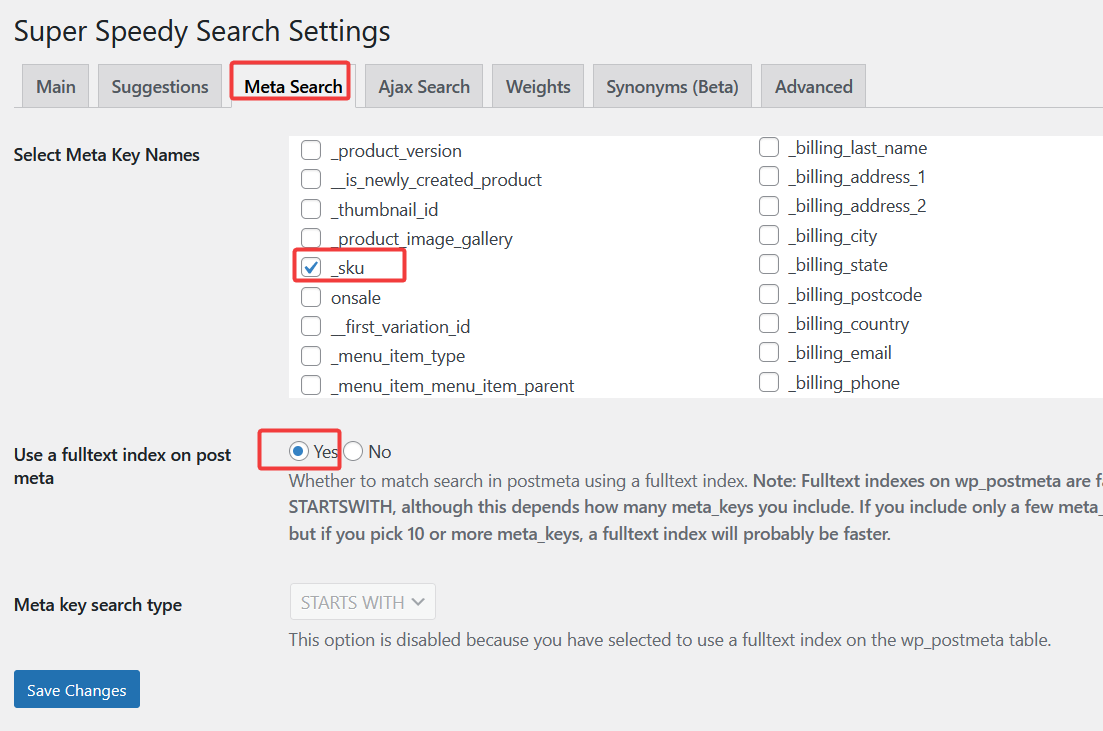
Super Speedy Search is great at helping your users find what they need. Sometimes, however, you might wish to help your users get really…
Read more
While Super Speedy Search is no longer in Beta mode, there are many options contained within a file called defines.php inside our plugin folder…
Read more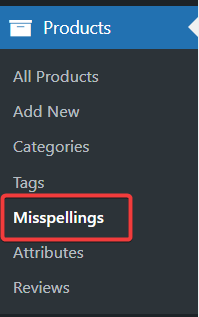
Adding misspellings and synonyms to your posts ensures that users find what they’re looking for, even if they use a different word or accidentally…
Read more
With normal WooCommerce search, if someone searches for a ‘blue dress’ it *may* (or more likely may not!) match the blue dress but it…
Read more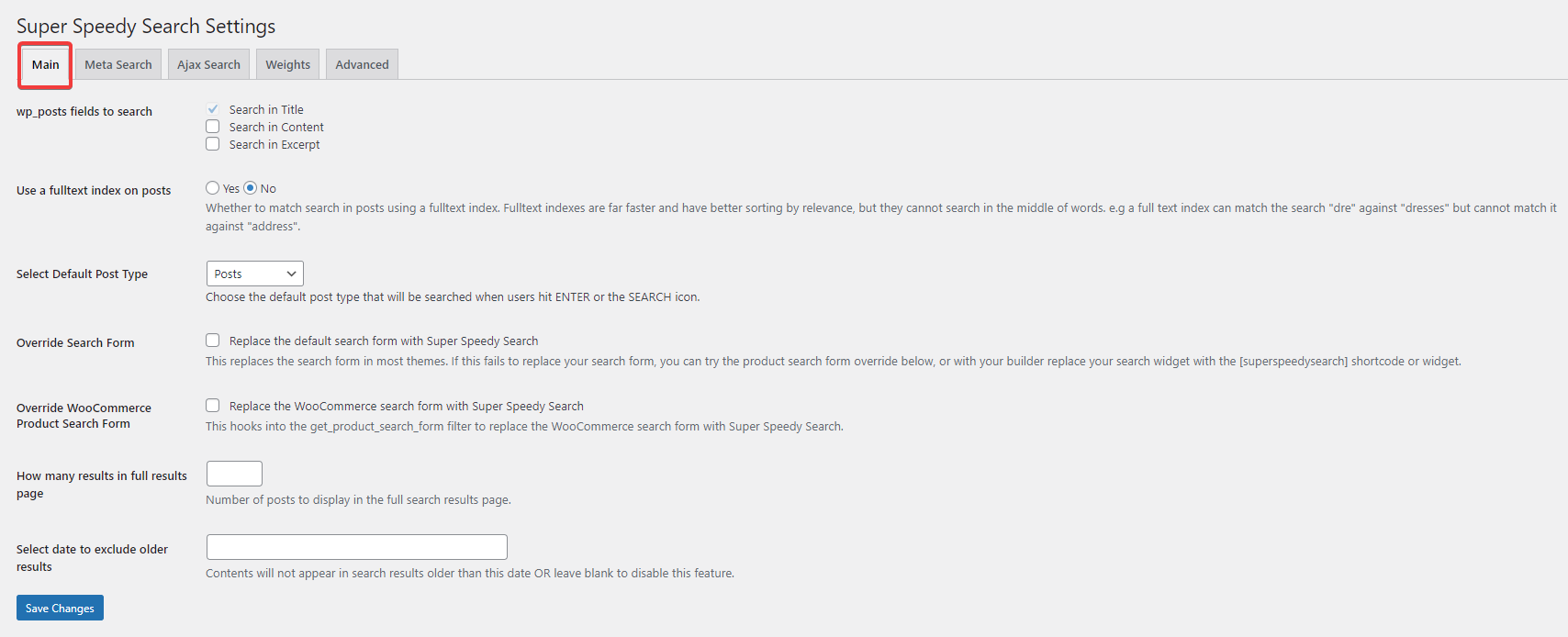
In the Main Super Speedy Search settings, you decide how your chosen post type gets searched for. We recommend enabling both the Search in…
Read more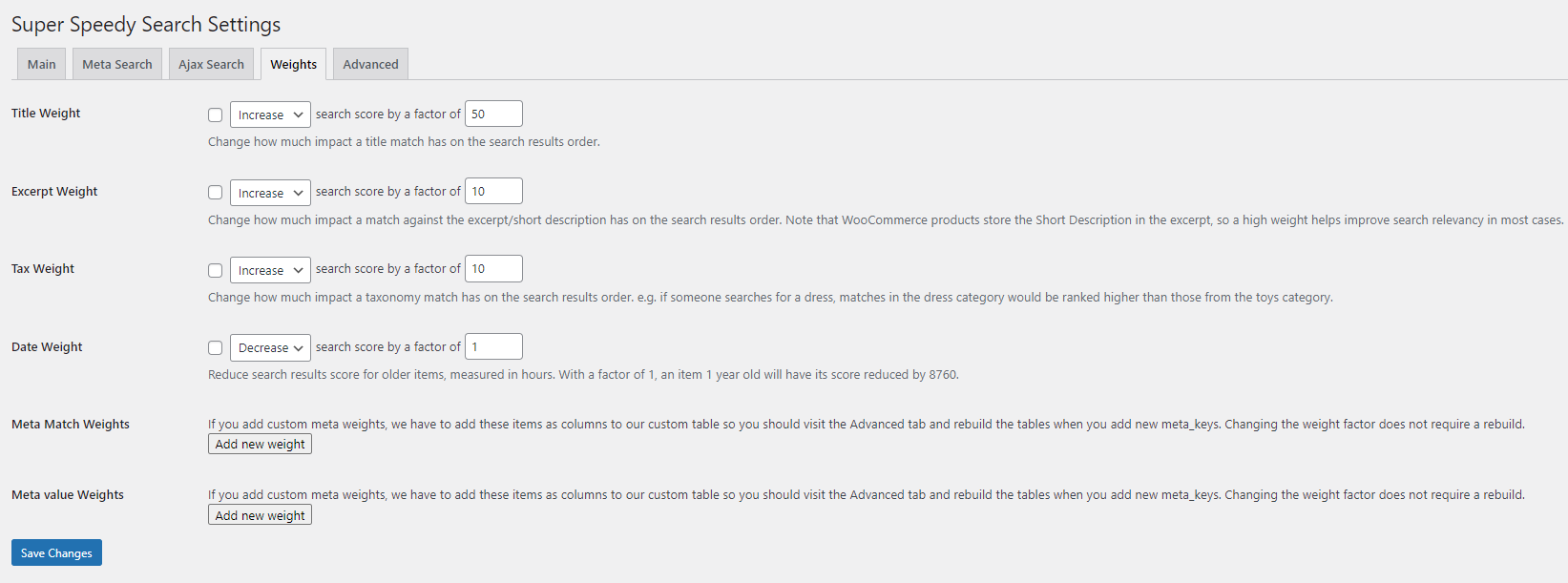
Super Speedy Search gives you complete control over how your search results are ordered. In order to achieve this, we give you complete control…
Read more