
Scraping using Regex
With Price Comparison Pro, you can scrape using CSS, xPath and Regex. In this KB, you’ll see how to scrape usuing Regex. Many websites…
Read more
With Price Comparison Pro, you can scrape using CSS, xPath and Regex. In this KB, you’ll see how to scrape usuing Regex. Many websites…
Read more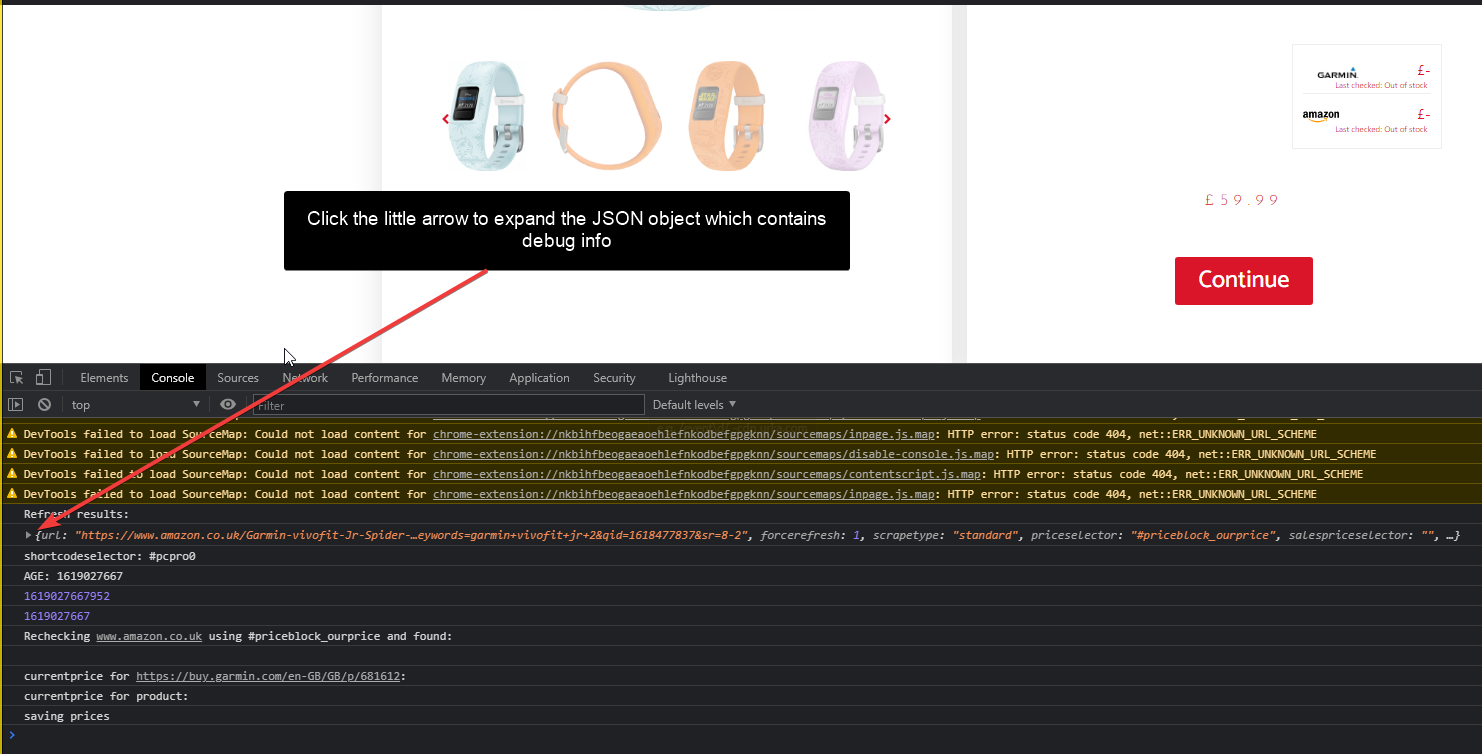
Directly under the prices in the price comparison tables produced by Price Comparison Pro you’ll see a ‘refresh price’ button. If you click this,…
Read more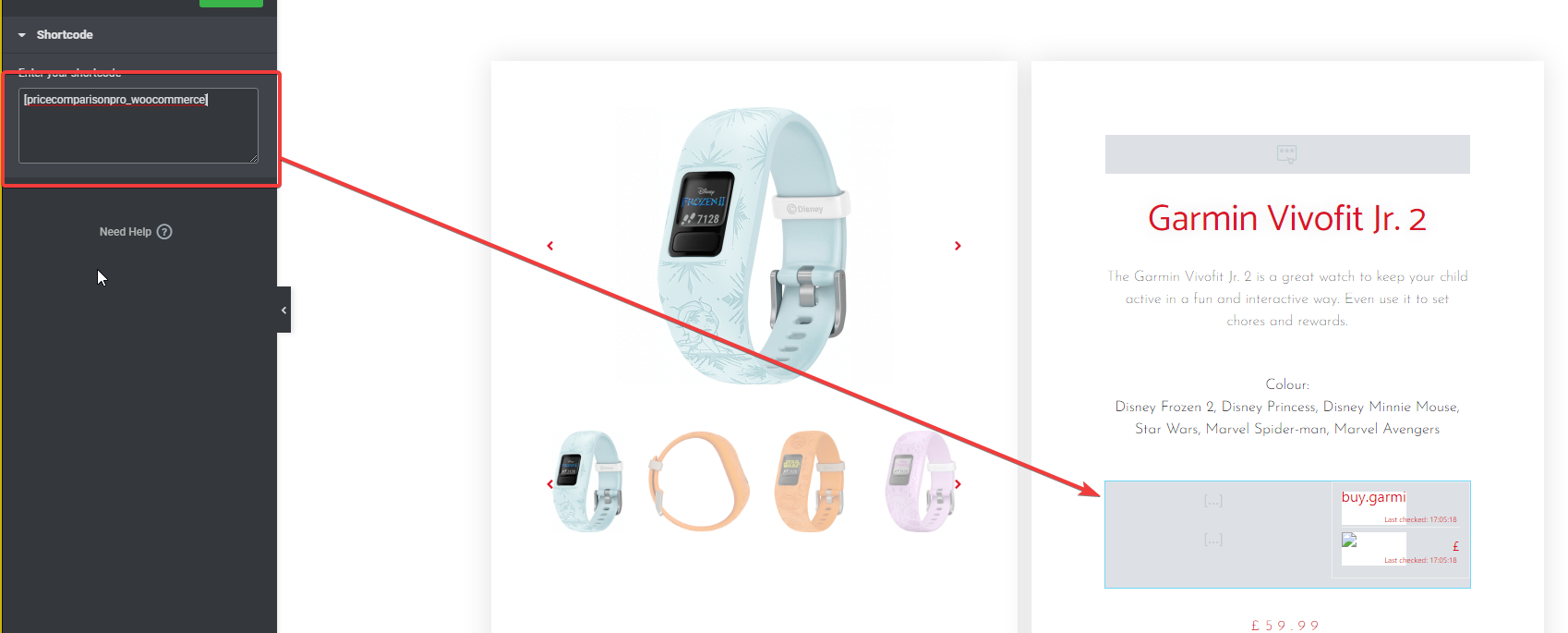
If you are using Elementor to edit your WooCommerce product detail template then you’ll find below the technique to use to place the price…
Read more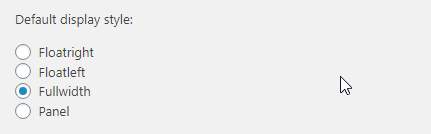
There are 4 display styles available for the price comparison widget. If you are using the price comparison widget with WooCommerce, visit wp-admin ->…
Read more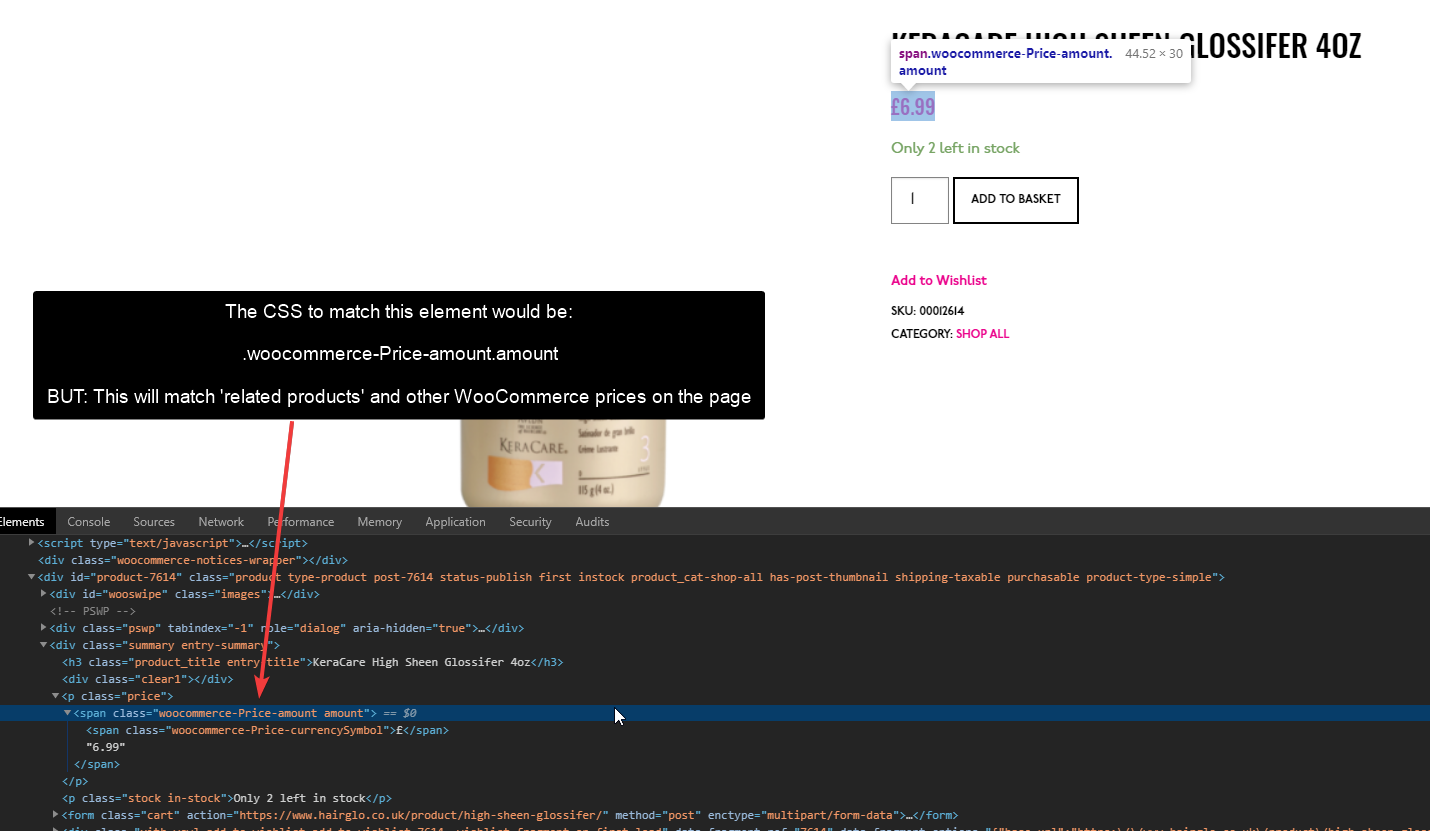
If you’re scraping a website that uses WooCommerce, normally Price Comparison Pro will scrape the prices with no extra CSS/xPath/Regex config for the website…
Read moreIf you find a price HTML element which has multiple classes in the class=”” attribute, then you should understand a bit more about how…
Read more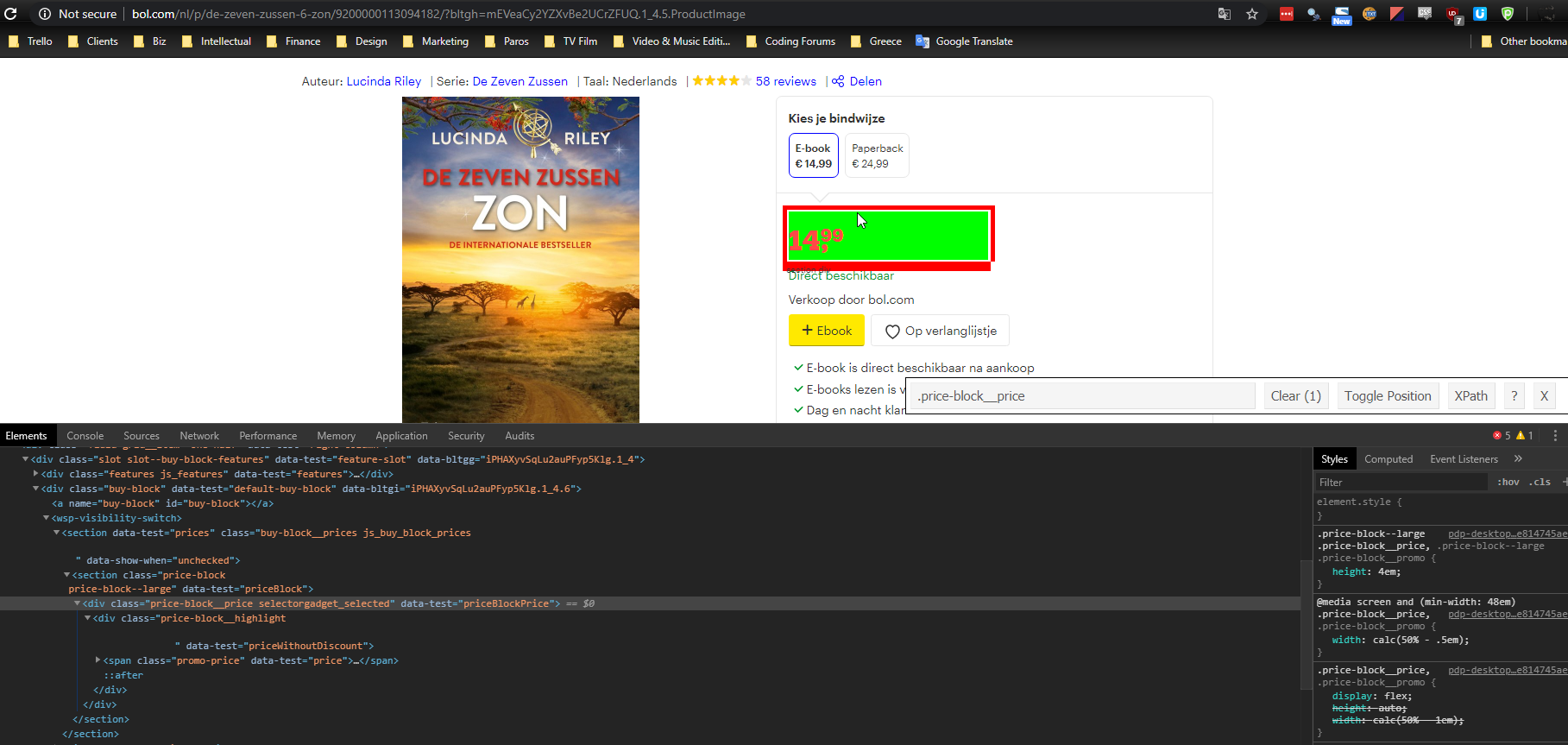
This website is fairly easy to scrape from. If you understand how CSS works, right click the price on a product page and you’ll…
Read more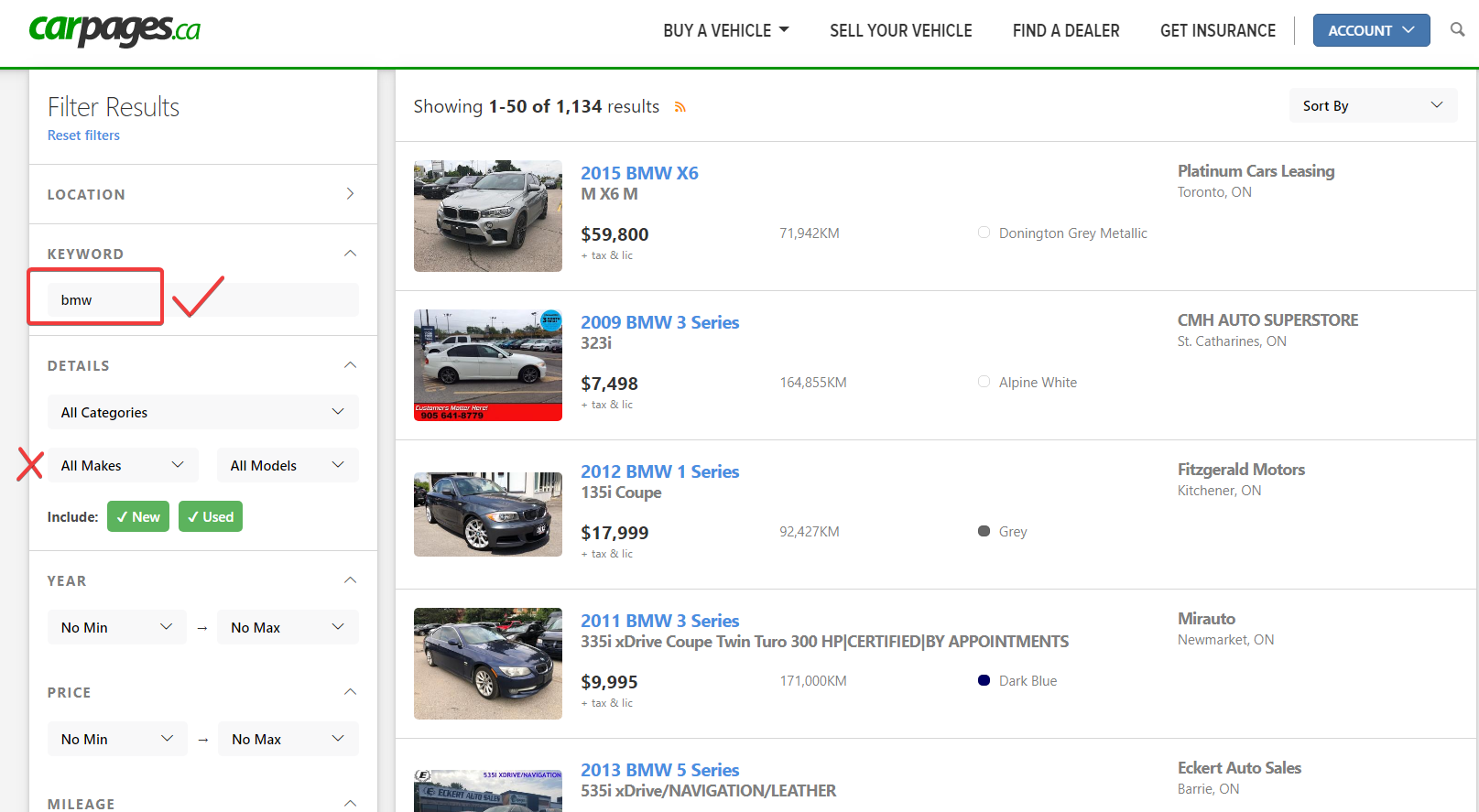
There are two widgets in Price Comparison Pro – the standard ‘price comparison’ table that you can add through shortcodes on any page, or…
Read more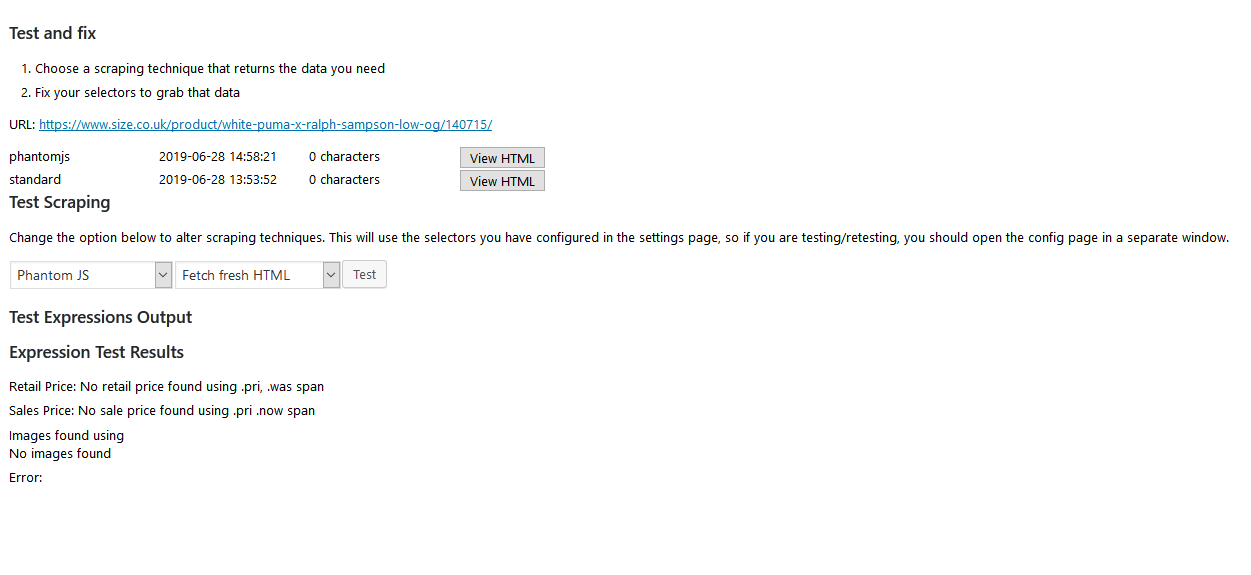
I have a customer who is failing to scrape prices from size.co.uk. They went to the effort of adding our PhantomJS scraper in order…
Read moreThe main complaint people have is that prices are not updating. If this is happening to you: Check you have the correct domain entry…
Read moreYou can either manually enter the relevant URLs for each product or you can automate this process. If you have a large number of…
Read more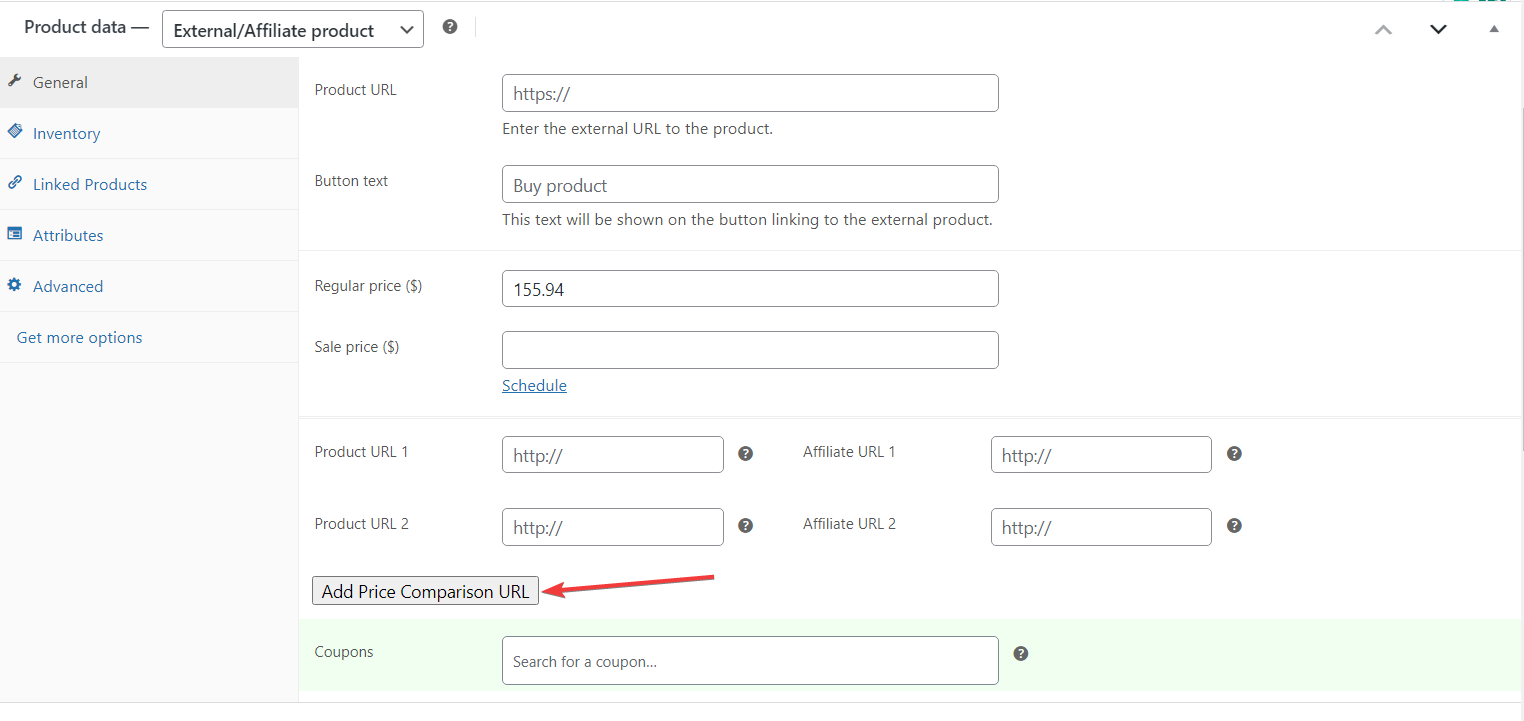
After purchasing the Price Comparison Pro, you will receive a zipped file, from there, please follow these steps: In your WP admin area, click on…
Read more
There are a few techniques for viewing the HTML scraped. You may wish to view the raw HTML scraped in order to help you…
Read more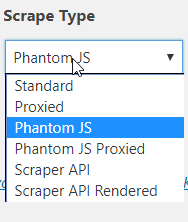
Price Comparison Pro provides multiple scraping types. Below is a guide explaining when to use each. You’ll find the Scrape Type on your Price…
Read more
You’ll find some websites have prices contained within HTML attributes. For example, when you view the source of a page where you’d like to…
Read more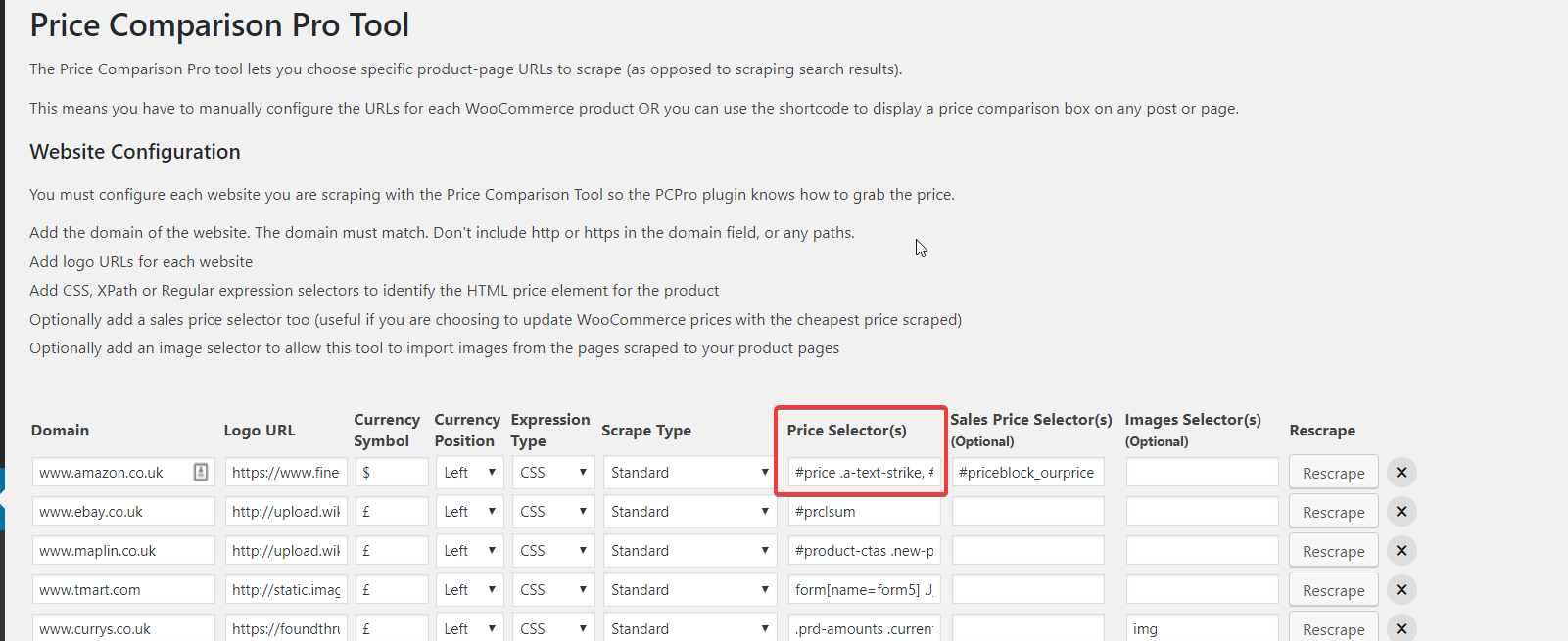
The Price Comparison Pro widget uses CSS or xPath selectors to identify regular and sale prices on scraped product pages. If you have a…
Read more