External Images
Store your images anywhere - a CDN, Amazon S3, a Digital Ocean space or your affiliate feed - and serve them straight through WordPress. Nothing gets downloaded to your server, so imports run faster and your disk stops filling up. Works with any post type and every WooCommerce product type, including variations and galleries.
Rated 4.65 out of 5 across 26 reviews.
- Import products without WordPress downloading or resizing a single image
- Scale to millions of products on low-cost hosting, with no image storage to worry about
- Works with WP All Import, Datafeedr and any tool that can set a custom field
- Cut disk usage and the CPU normally spent generating 20+ thumbnail sizes per image

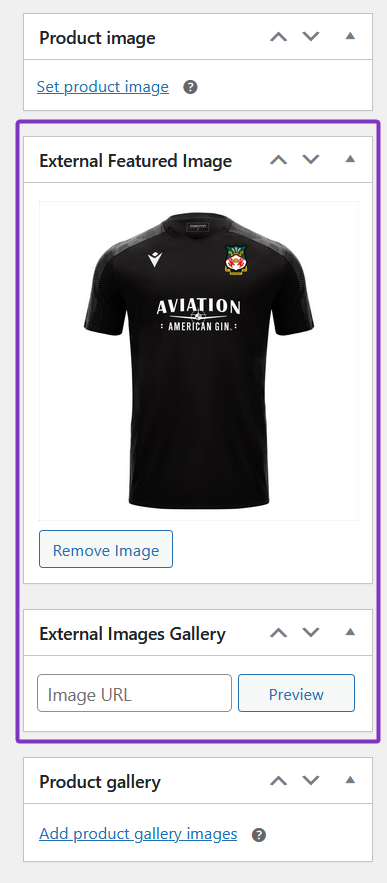
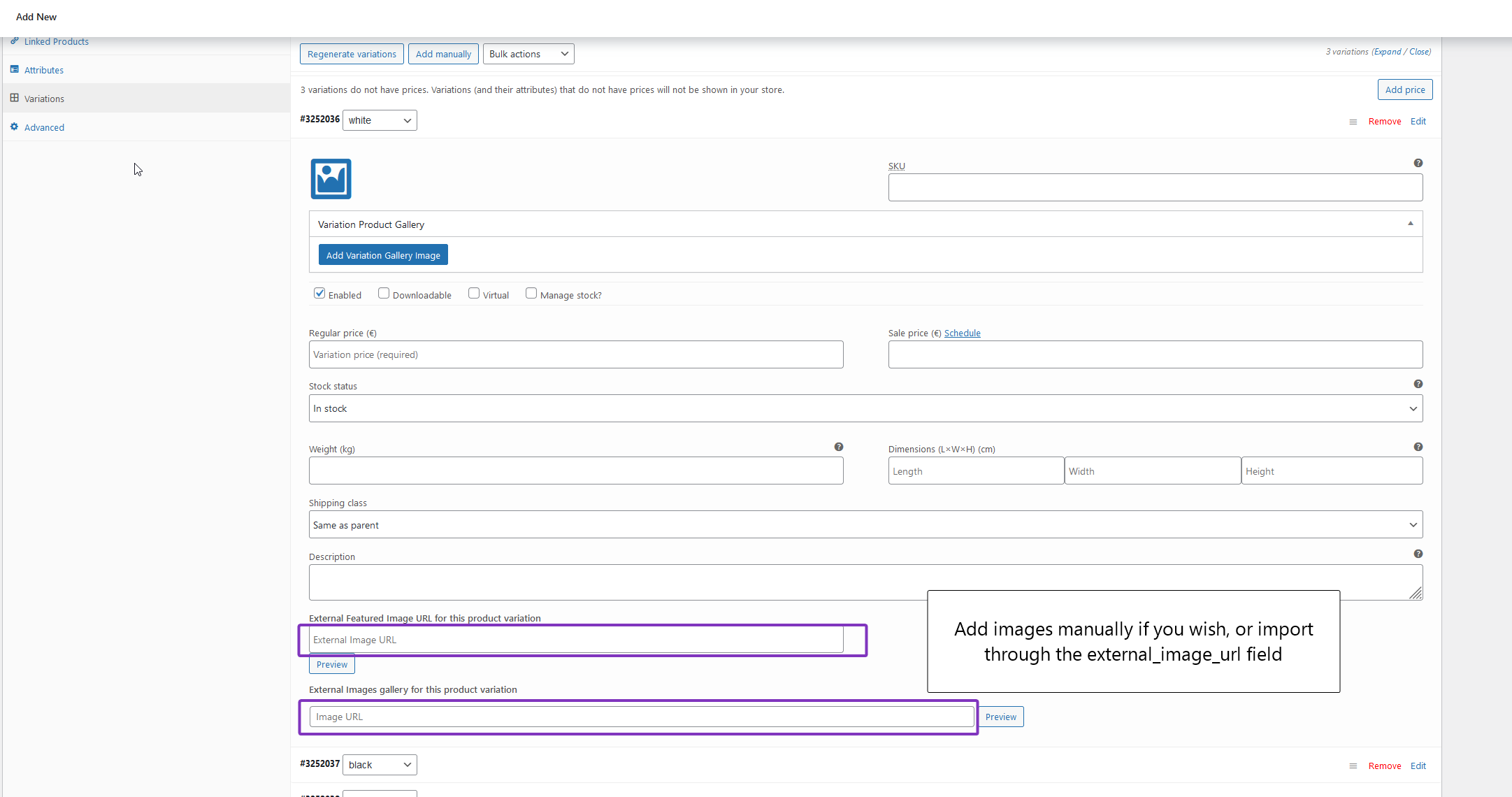
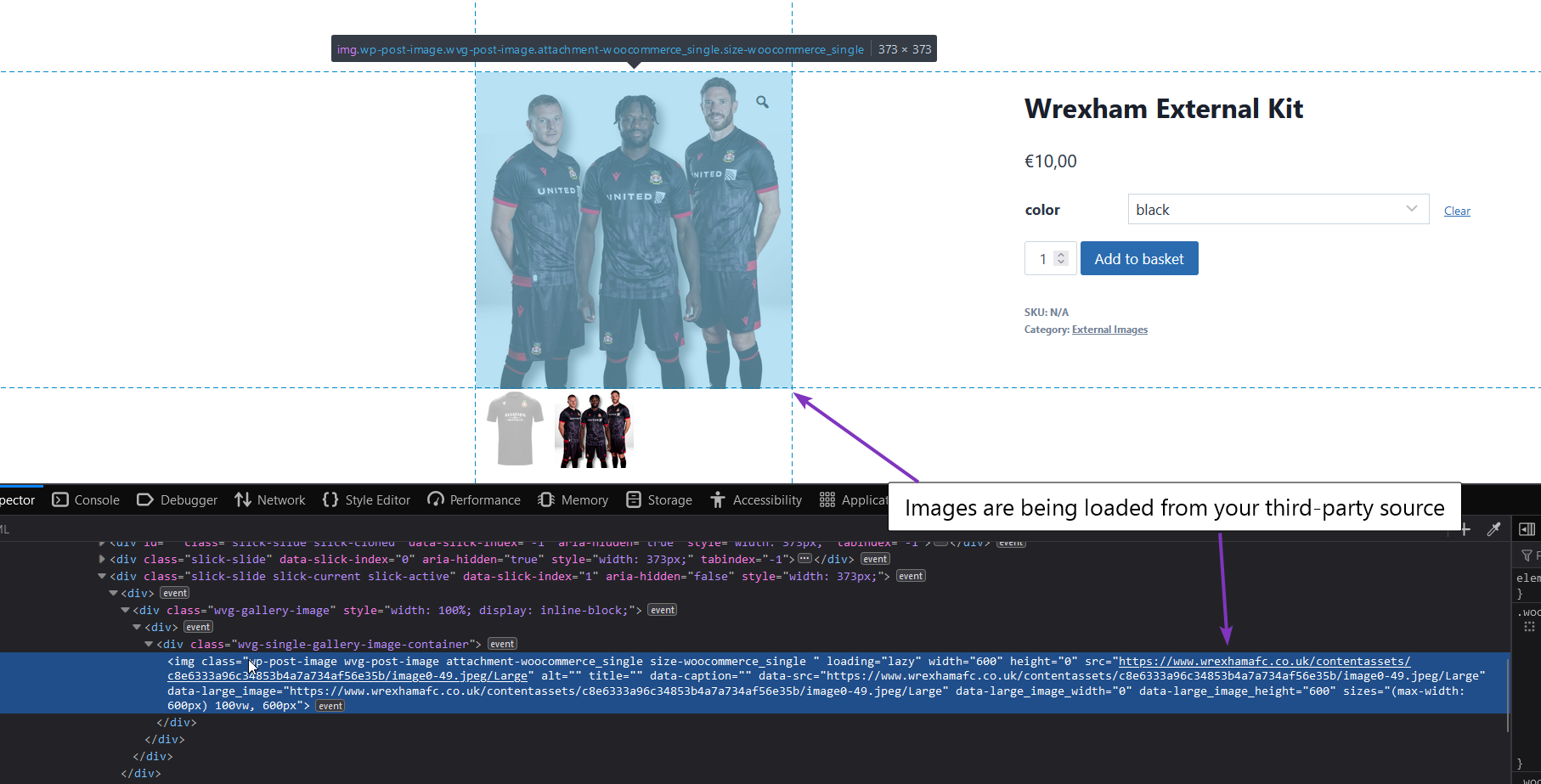
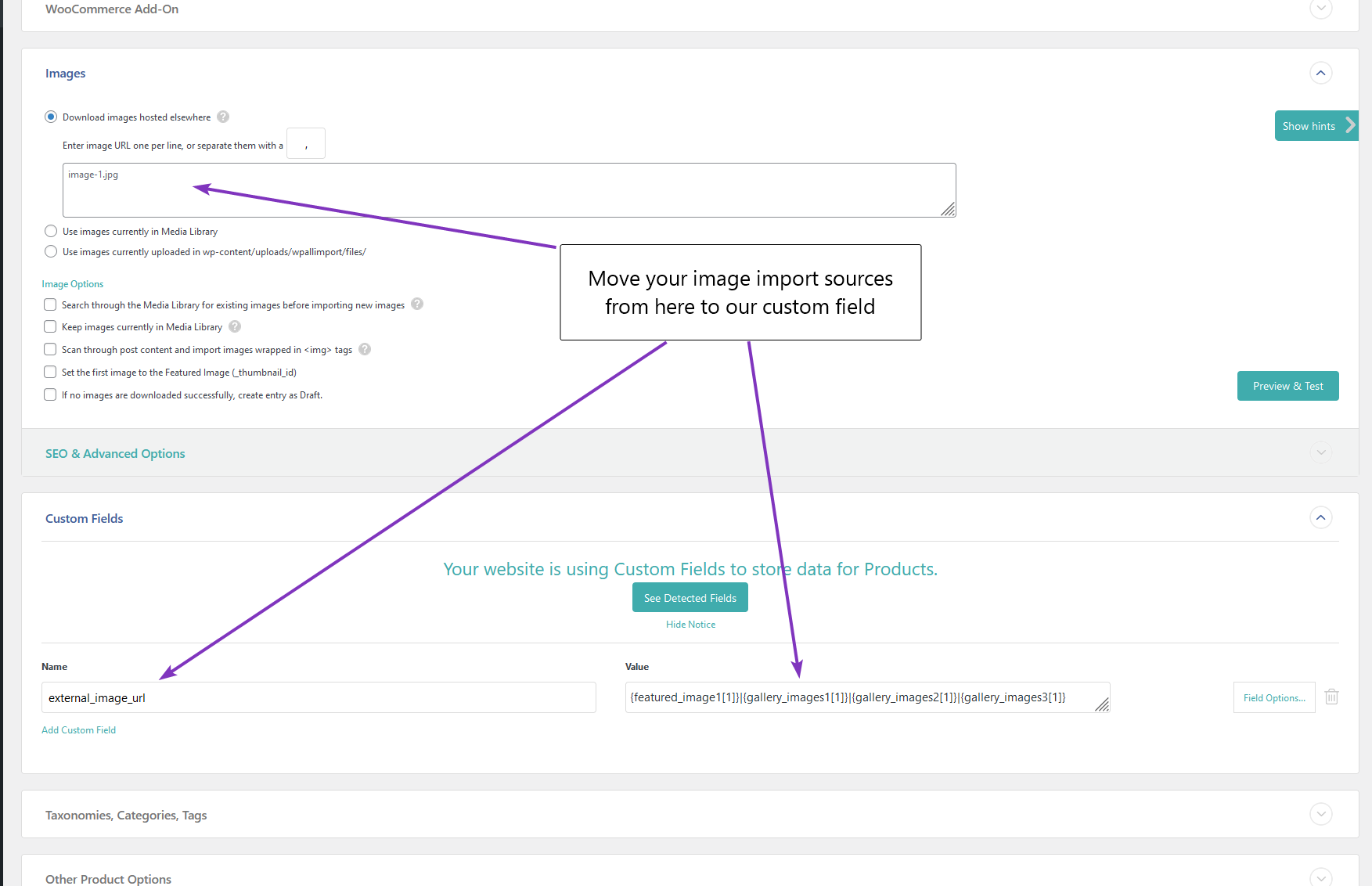
Image storage is the number one thing that slows down product imports and caps how big an affiliate or product store can grow. External Images keeps every image on your CDN, feed or storage and serves it straight through WordPress, so nothing is ever downloaded to your server.
Install, activate, and point your import at the external_image_url custom field (separate multiple images with the | symbol). Turn off image uploading in your import and you are done. External Images handles the rest.
What External Images gives you back
- Faster imports. WordPress normally downloads every image and generates 20 or more sizes per product. Skip all of that and imports run far quicker.
- Your disk back. Images live on your CDN or feed, not your server, so storage stops being the thing that caps your catalogue.
- Real scale. Build affiliate or product stores with millions of items on low-cost hosting, because there is no image storage to grow.
- Lower CPU and hosting cost. No thumbnail generation hammering your server on every import.
- Still looks right. CSS or Photon resizing keeps external images fitting your theme, and Open Graph tags still feed the right image to Facebook, Twitter and Google (Yoast and RankMath compatible).
Key features
- External image URLs on archive pages, posts, products and any post type.
- No image downloads, so disk and CPU are saved and imports run far faster.
- Datafeedr support stops image downloads and fixes Product Comparison Sets.
- Works with WP All Import and any tool that can set a custom meta field.
- Gallery support by adding pipe-separated URLs to the external_image_url field.
- Variation images and variation galleries with Kadence or a free variation gallery plugin.
- Automatic HTTPS proxy for insecure images, with an optional proxy-all option.
- Open Graph tags for Facebook, Twitter and Google, compatible with Yoast and RankMath.
- CSS or Photon resizing so off-site images still fit your theme.
- Manual URL field under the featured image, so no import tool is required.
Why choose External Images
External Images Knowledge Base
View full Knowledge Base →What's new in External Images?
View full changelog →- Added new postmeta filter to add front-end gallery compatibility to latest Houzez theme – they no longer use metabox for their metadata
- Updated the Super Speedy Settings page: added a "Recheck Licenses" button above the licence table so customers have a clear way to refresh licence status after a renewal or upgrade without scrolling down to the licence-key field. The button is disabled until a licence key is entered/saved and re-enables as you type.
- The Recheck flow now also force-bypasses the auth-server's own 1-hour licence cache (via a `force=1` flag on the `wpiapi/check_product_key` call), so renewals/upgrades that completed less than an hour before a recheck no longer show as expired/exceeded. Normal admin page loads continue to use both caches as before — only an explicit Recheck click bypasses them. (Lives in the `super-speedy-settings` submodule, so the change propagates to every Super Speedy plugin.)
- Added full namespacing for plugin update checker to prevent conflicts with 3rd party plugins
- Removed code for checking for and deleting orphans – this can be handled through a KB article instead as it's a one-off job to clean up data
- Further improvements for image galleries, variation galleries and all ways of saving, updating or importing images to prevent duplicate entries in database
Invest in Speed
Choose your license below.
Price range: €79.00 through €899.00
