External Images Quick Start Guide
External Images lets you use images hosted anywhere else – an affiliate CDN, a supplier feed, S3, your own image subdomain – as your…
Read moreExternal Images lets you use images hosted anywhere else – an affiliate CDN, a supplier feed, S3, your own image subdomain – as your…
Read moreThe questions we’re asked most often about External Images, drawn from five years of support. For error messages and things that have stopped working,…
Read moreThis page collects the most common External Images problems and their fixes, based on five years of support in our Discord server. If your…
Read more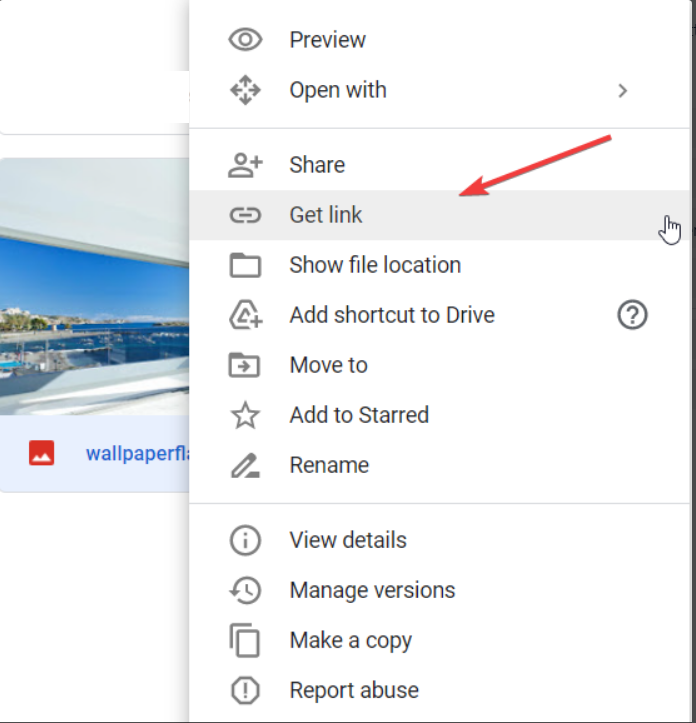
External Images allows you to host your images pretty much anywhere instead of using your main web server. The most common methods are to…
Read more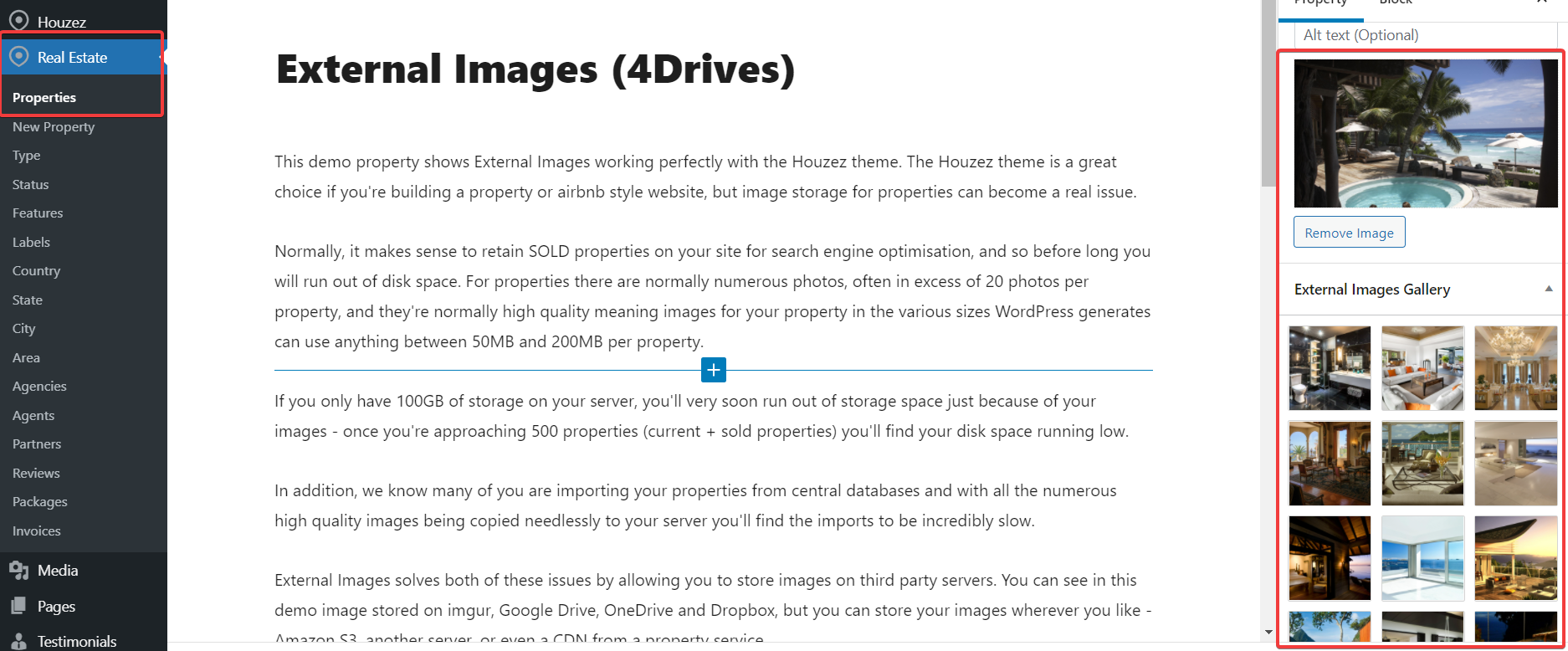
Your real estate website should have loads of high quality images on it. 250 properties with each having 20 images of 20MB on them…
Read more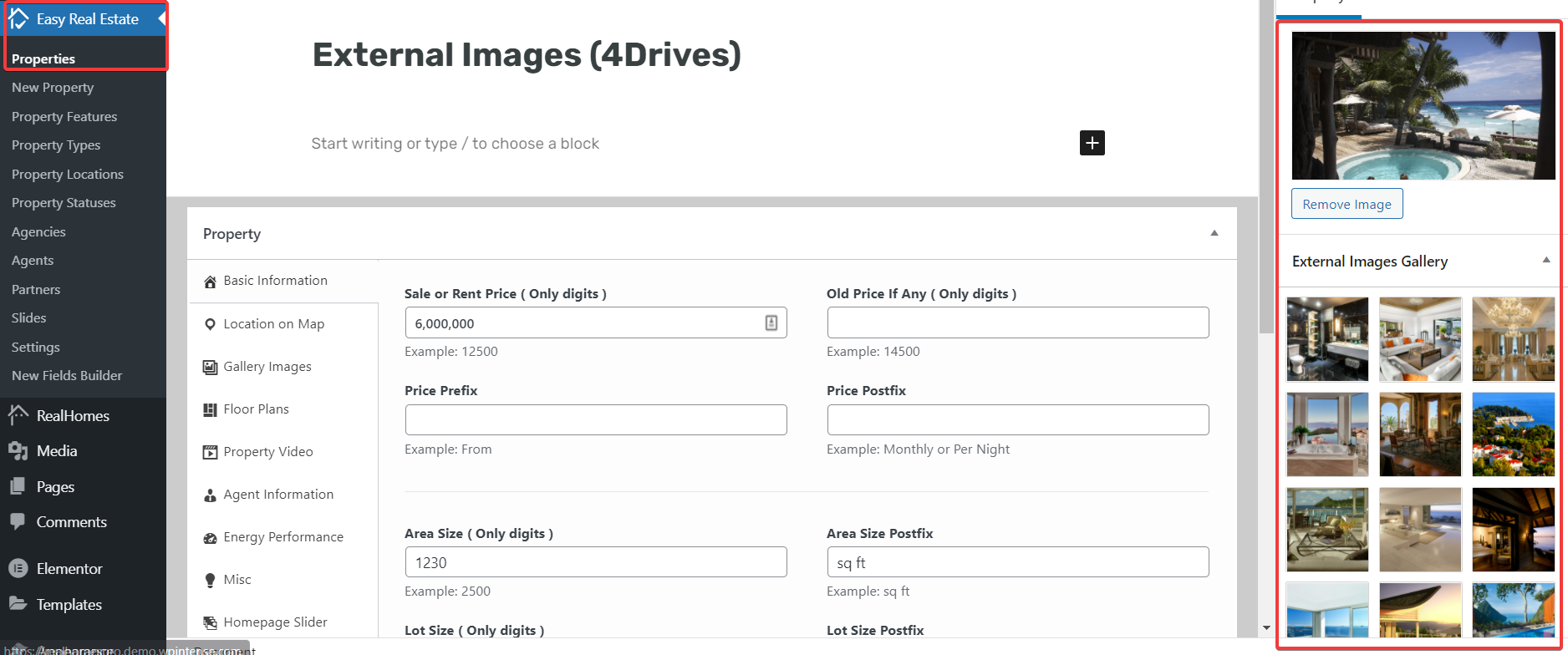
Having a large amount of high-definition images on your server takes up far too much space. Let’s say you have 250 properties with 20…
Read more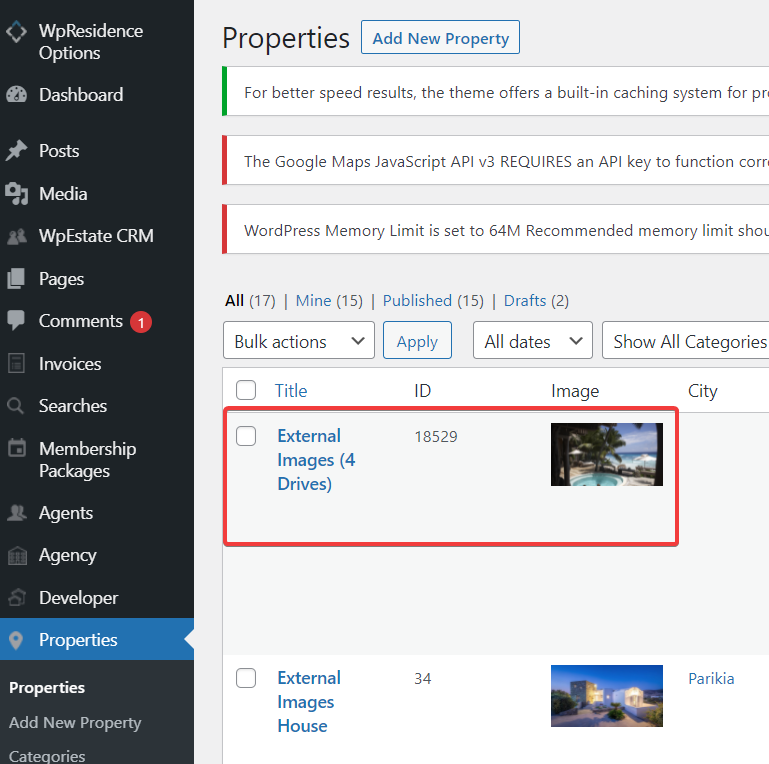
Storing high-definition images takes up huge amounts of space on your server. With our External Images plugin, the images can stay on other servers.…
Read more
Compatibility with WooCommerce Advanced Bulk Edit was added in version 2.35. To use this, follow these instructions. From the Products -> Advanced Bulk Edit…
Read more
External Images includes optional image resizing using the Jetpack Photon service. To use this image resizing, follow these steps: Install JetPack Visit plugins ->…
Read more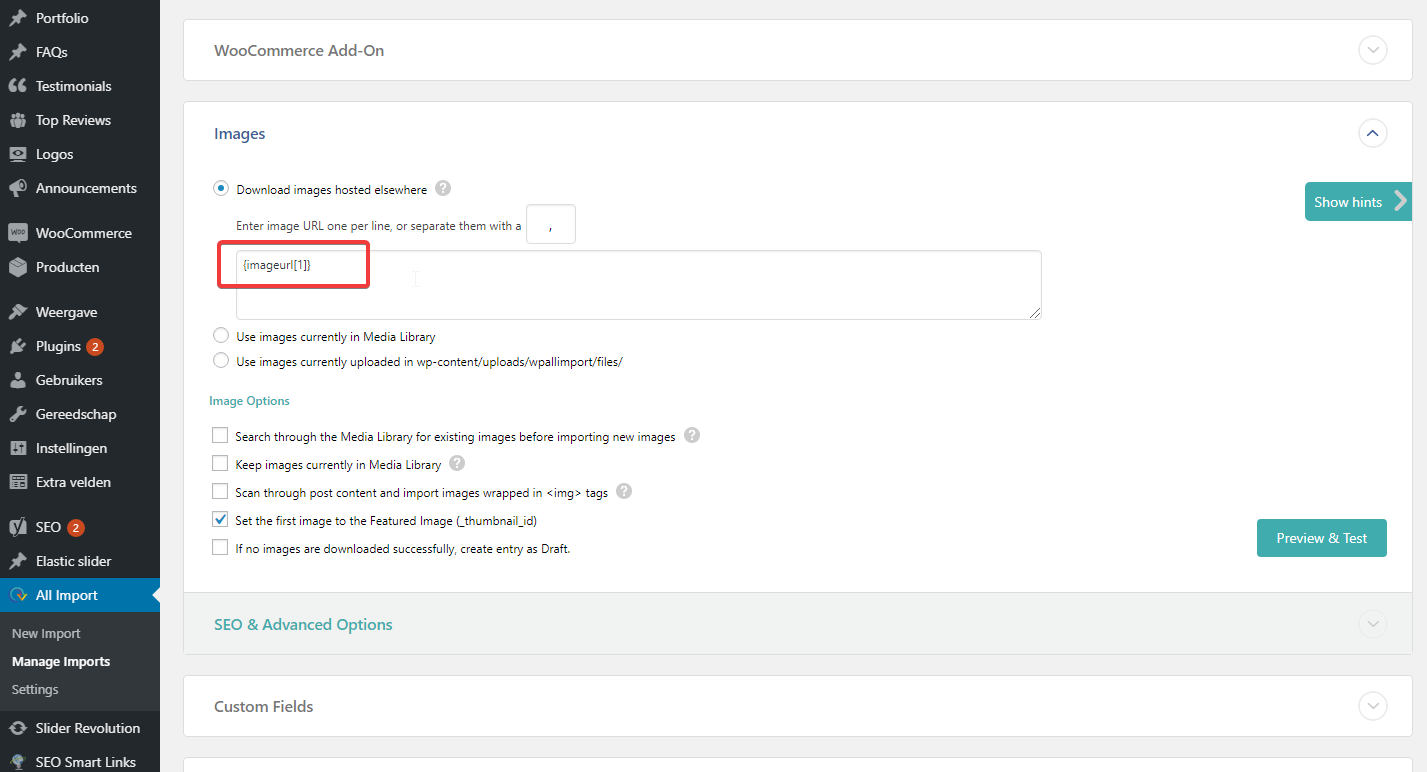
Our External Images plugin alters WordPress to allow you to use featured images and image galleries that are hosted off-site, often on an affiliate…
Read more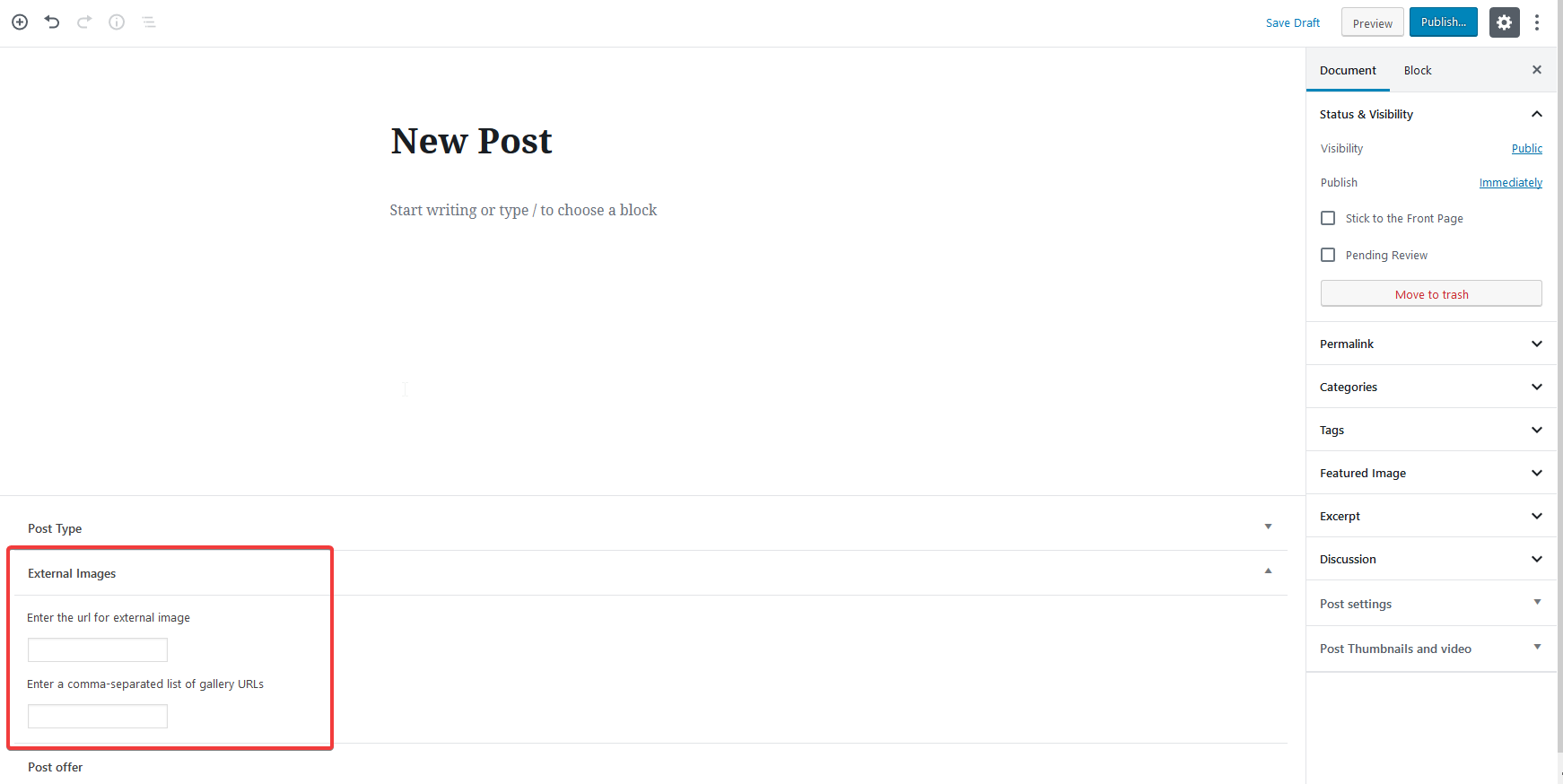
External Images work everywhere that allows featured images and/or galleries. Note that not all post types have ‘gallery support’ enabled, so in those cases…
Read more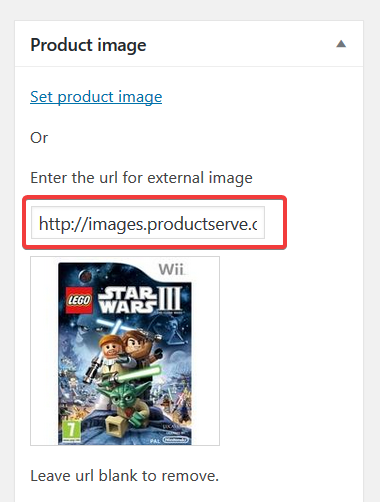
The WooCommerce product editor uses its own editor interface – not the new WordPress Gutenberg interface. To add a new external image to a…
Read more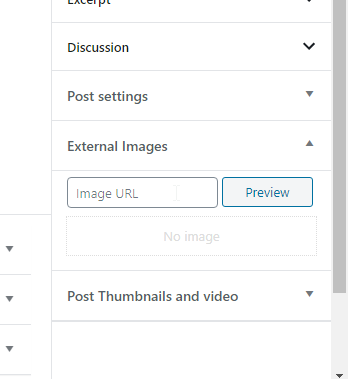
After purchasing the External Images Plugin, you will receive a zipped file, from there, please follow these steps: In your WP admin area, click on…
Read more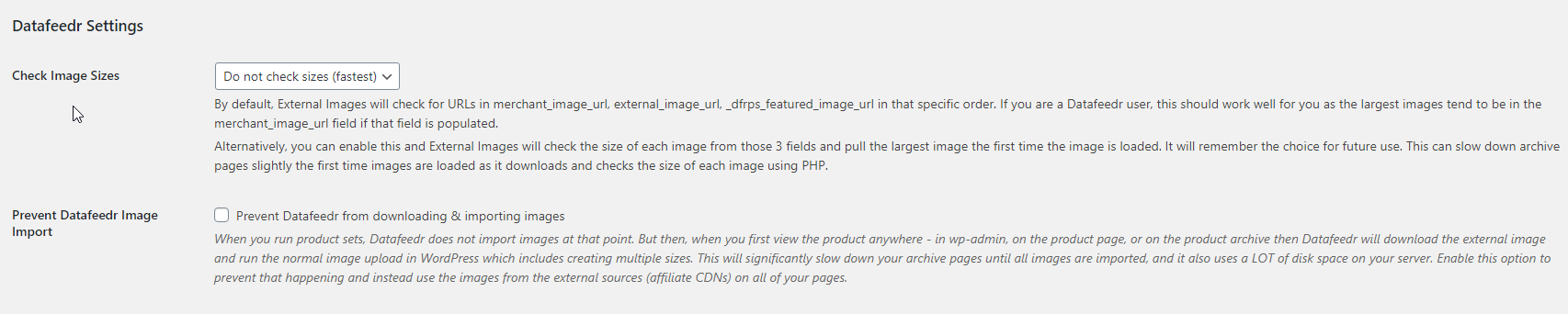
External Images includes an option to prevent Datafeedr from downloading featured images to your site, either when product sets run or when your archive…
Read more