Configuring Term IDs
Last updated January 11, 2024
These filter options allow you to specify which categories or attributes are displayed or not.
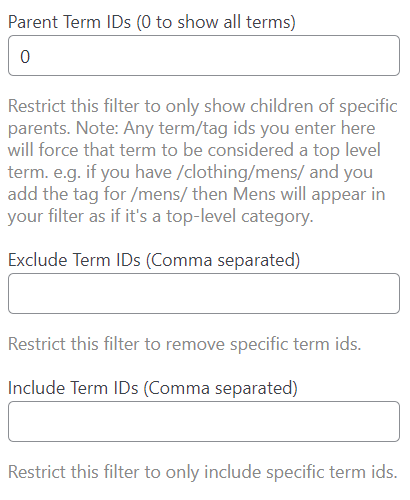
Table of Contents
Locating Term IDs
For categories, go to Dashboard > Products > Categories and select the category for the required Term ID. In the URL you will see ‘ID=(number)’. This example is used for ‘Clothing’:

Parent Term IDs
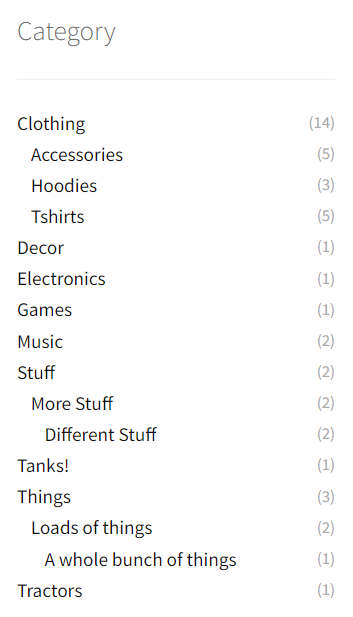
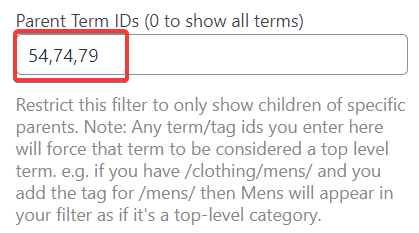
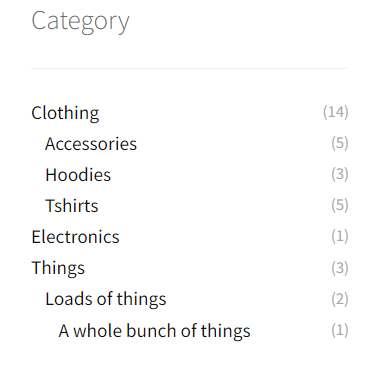
Only show the children and the parents selected here. Before and after selecting Parent Term IDs:
Exclude Term IDs
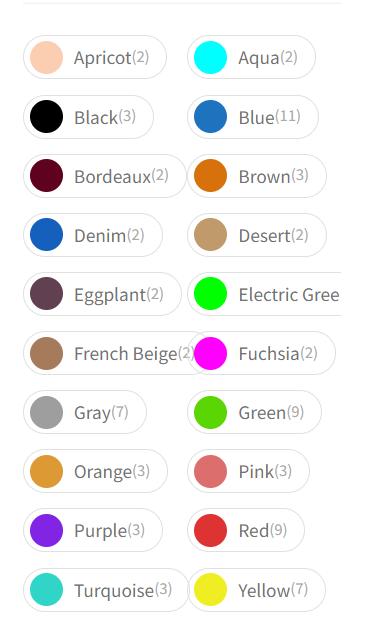
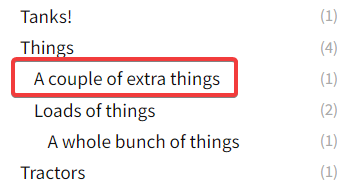
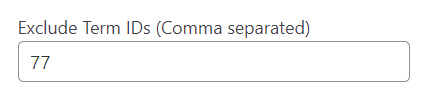
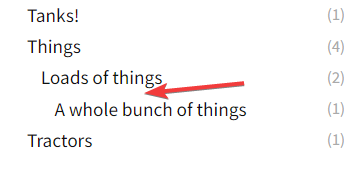
Add Term IDs here to exclude specific categories or attributes. Maybe you don’t want to display a specific child:
Include Term IDs
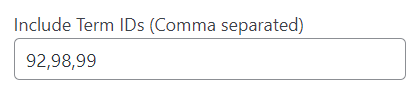
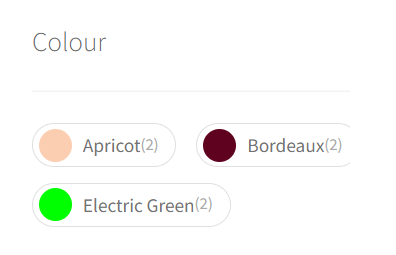
This setting is the opposite. Whichever IDs are set here are the only categories or attributes that will display: